Bluetooth Connection
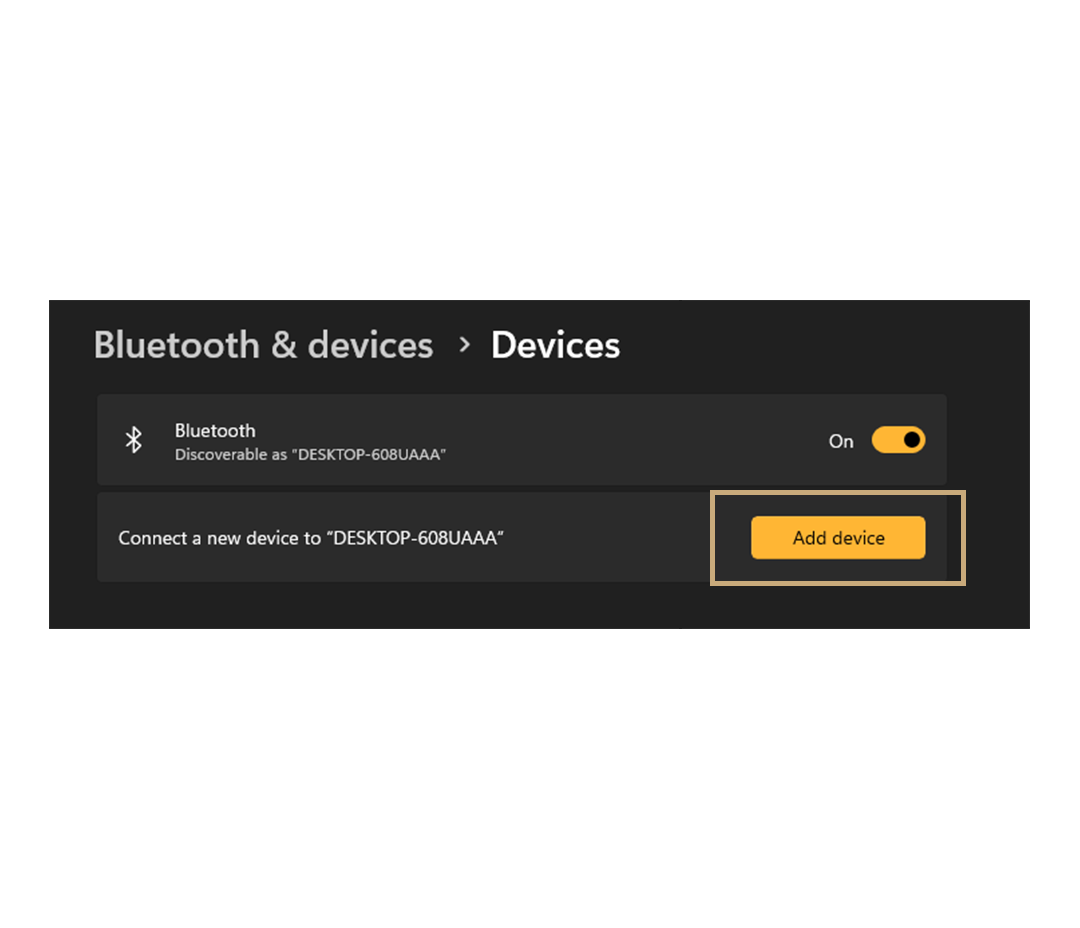
Open Bluetooth settings on your windows computer, click “Add device” and then “Bluetooth”.
Bluetooth Connection
- Turn on the OFFPAD+
- Press and hold the ON button until the bluetooth icon appears
- Choose the OFFPAD+ from the list of devices on your computer
Bluetooth CONNECTION
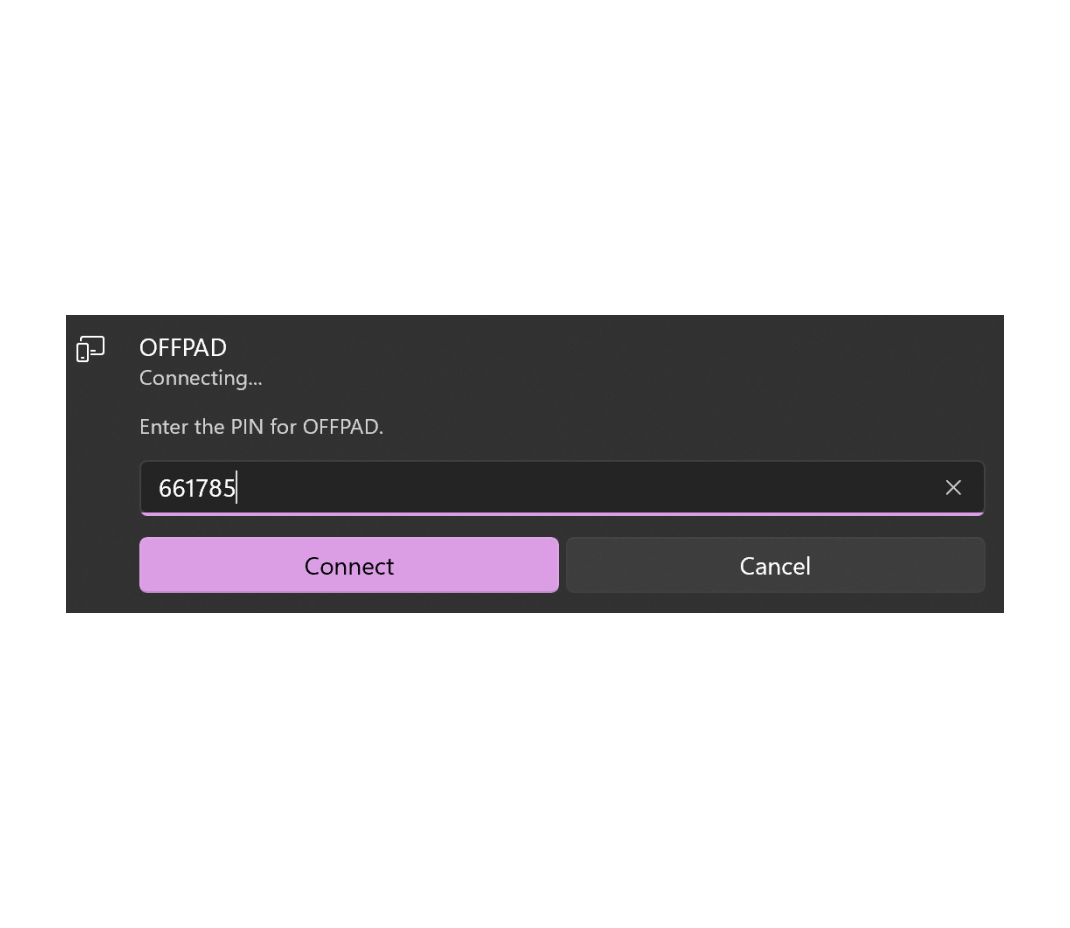
A PIN will show up on your OFFPAD+.
Enter the PIN on your computer.
USB Connection
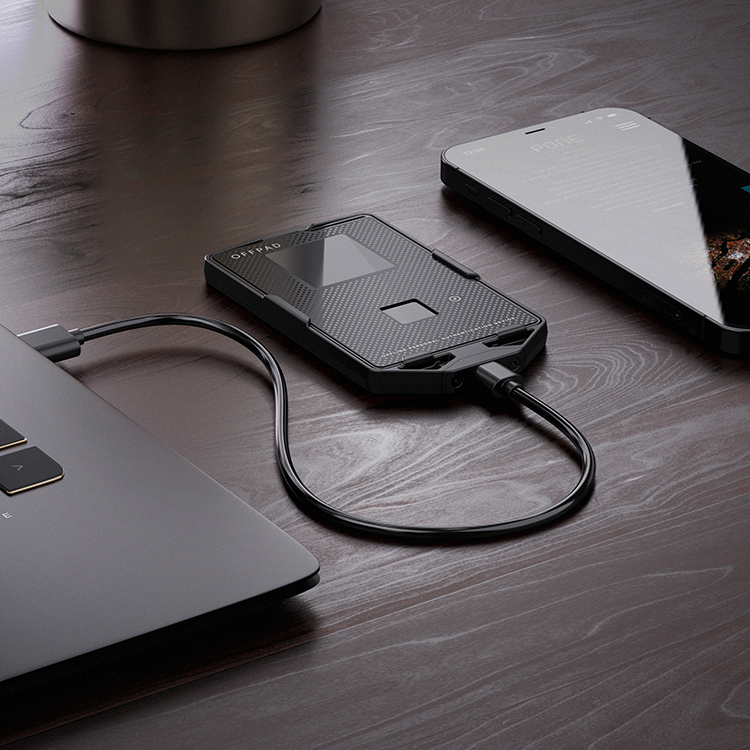
Connect the OFFPAD+ to device with a USB cord.