Connect to your iPhone
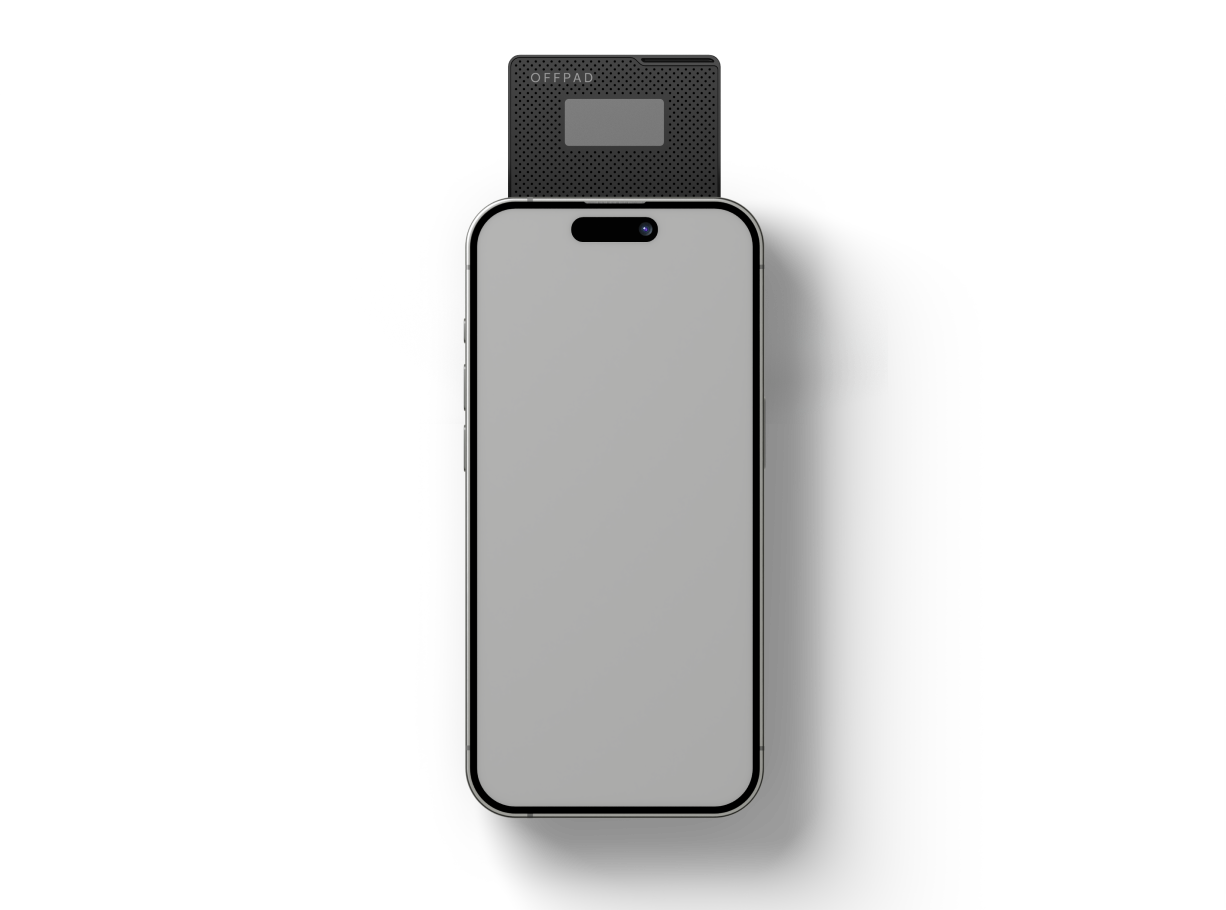
Place the OFFPAD or OFFPAD+ on the back of your iPhone with the screen facing you, as shown in the illustration.
*Note! OFFPAD / OFFPAD+ should be turned OFF when used with an iPhone.
When logging in
Choose “Other Sign-in options”
A PIN will show up on your OFFPAD / OFFPAD+.
Enter the PIN on your iPhone.