Download Device
Manager App
To achieve full functionality for Windows you should download the Device Manager App. The Device Manager lets you do a set of management operations towards your OFFPAD or OFFPAD+, such as adding, naming and removing fingerprints, setting pin, managing your credentials and resetting the device.
Download the app in Microsoft Store and follow the next steps.

Choose and Install
Device manager
Device Manager
Gives you full functionality but requires admin rights on your computer to run. Download it here.
Fingerprint Manager
If you don’t have admin rights on your computer you can use the fingerprint manager instead. It can be used to add more fingerprints and when bluetooth pairing. Download it here.
*Note! Fingerprint manager is only compatible with OFFPAD and not with OFFPAD+

Open Device Manager
Follow the steps in the device manager
*Note! Allow the device manager to do changes on your computer.

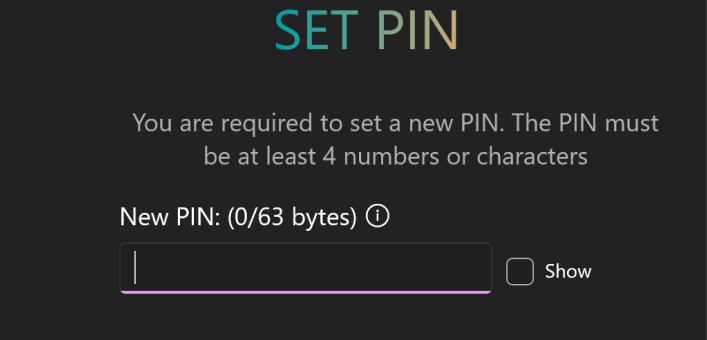
Set PIN
Press “manage” and set a pin for your OFFPAD