Getting
Started
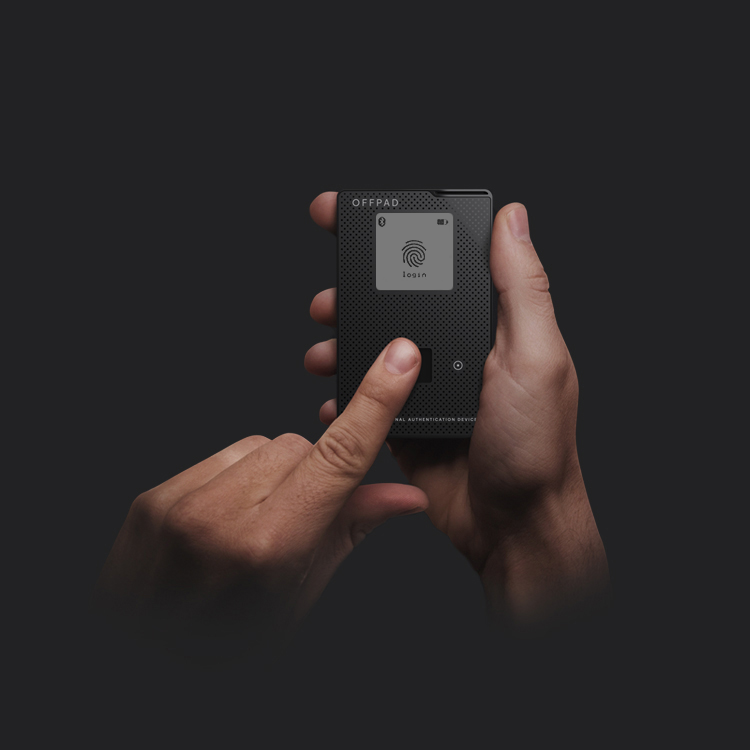
In your hand, you hold the key to cyber security. A gateway to safer online communications and data exchange, an elegant solution born from a disruptive approach.
Prepare your OFFPAD+
Charging
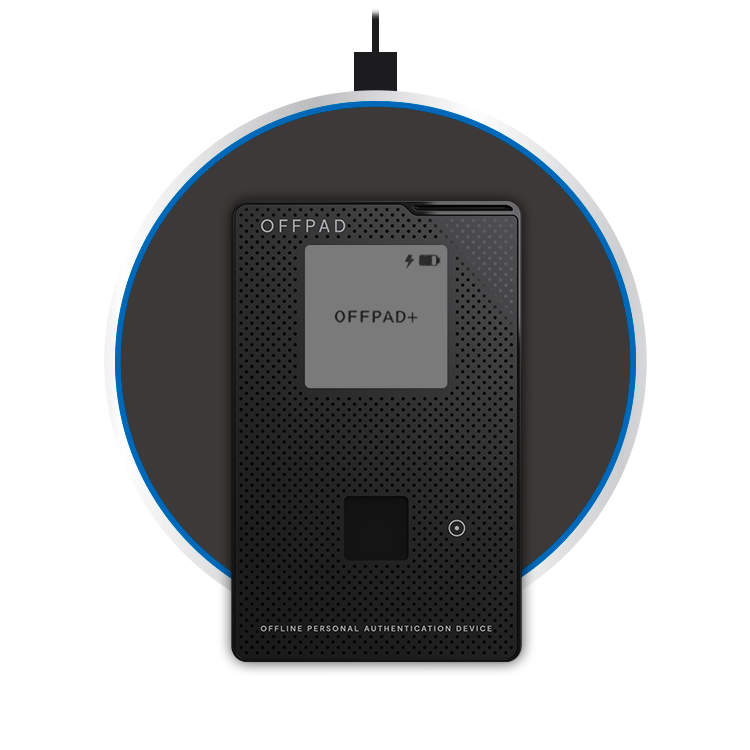
Charge the OFFPAD+ by placing it on a wireless charger, ensuring that the charging symbol on the backside is centered.
Prepare your OFFPAD+
Charging
Charge the OFFPAD+ by placing it on a wireless charger, ensuring that the charging symbol on the backside is centered.
Power On
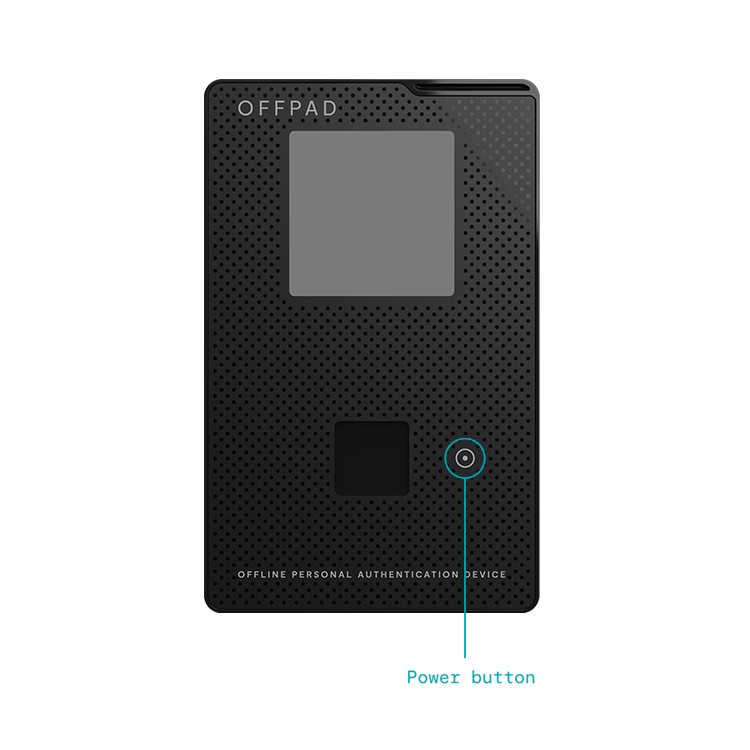
Turn on your OFFPAD+ by pressing the power button.
Prepare your OFFPAD+
Charging
Charge the OFFPAD+ by placing it on a wireless charger, ensuring that the charging symbol on the backside is centered.
Power on
Turn on your OFFPAD+ by pressing the power button.
Use cardholder
Using your OFFPAD+ in the cardholder give you possibility to connect it to your device through USB.

Connect OFFPAD+ to your device
Choose a way to connect your OFFPAD+ to your device.
*Note! Mac-users must choose USB-method.

