What you need to connect your
Google account
OPERATING SYSTEMS
Windows 10 or 11
iOS 16 or newer
SUPPORTED BROWSER
Chrome, Safari, Edge or Firefox
ENABLE THE FOLLOWING
Bluetooth & iCloud Keychain (for iOS)
Create passkey
Click here and log in to your Google account if needed. Click on “Create a passkey” -> “Continue”
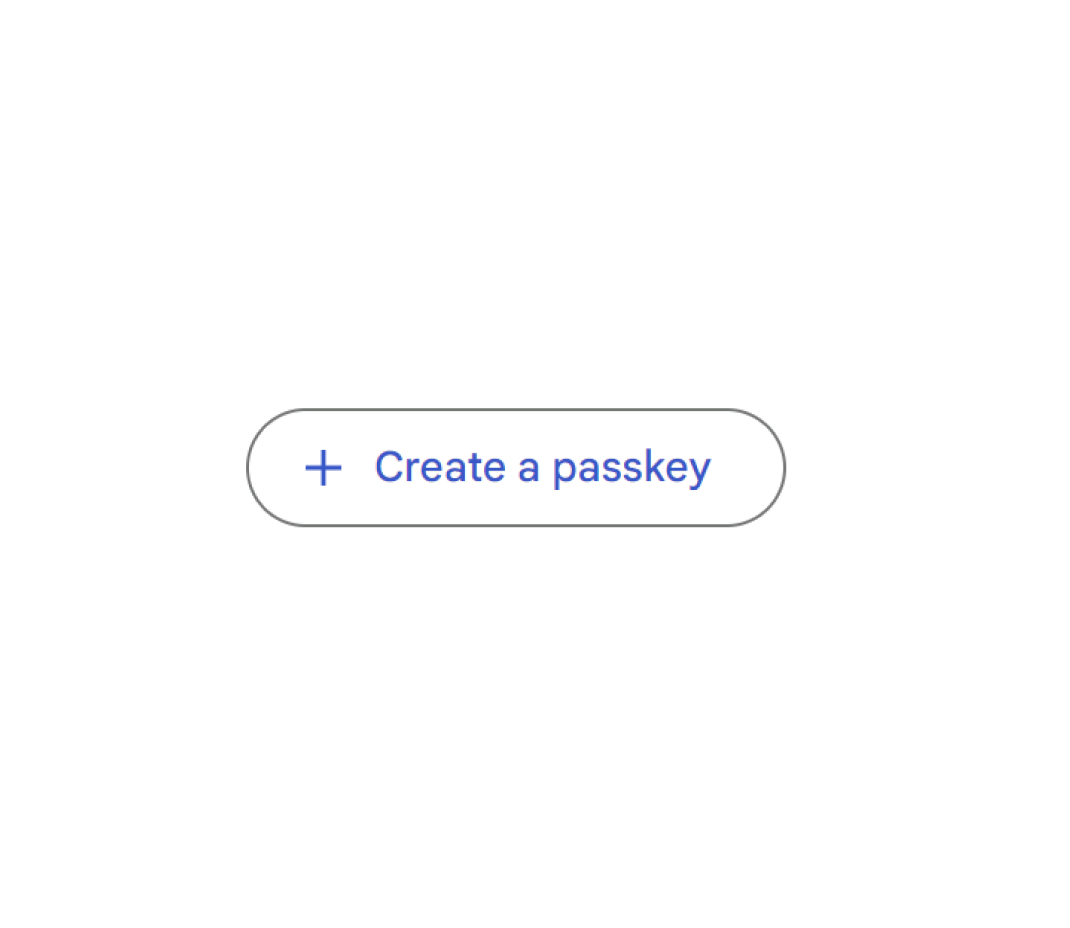
Add OFFPAD / OFFPAD+ as device
Press “Use another device”
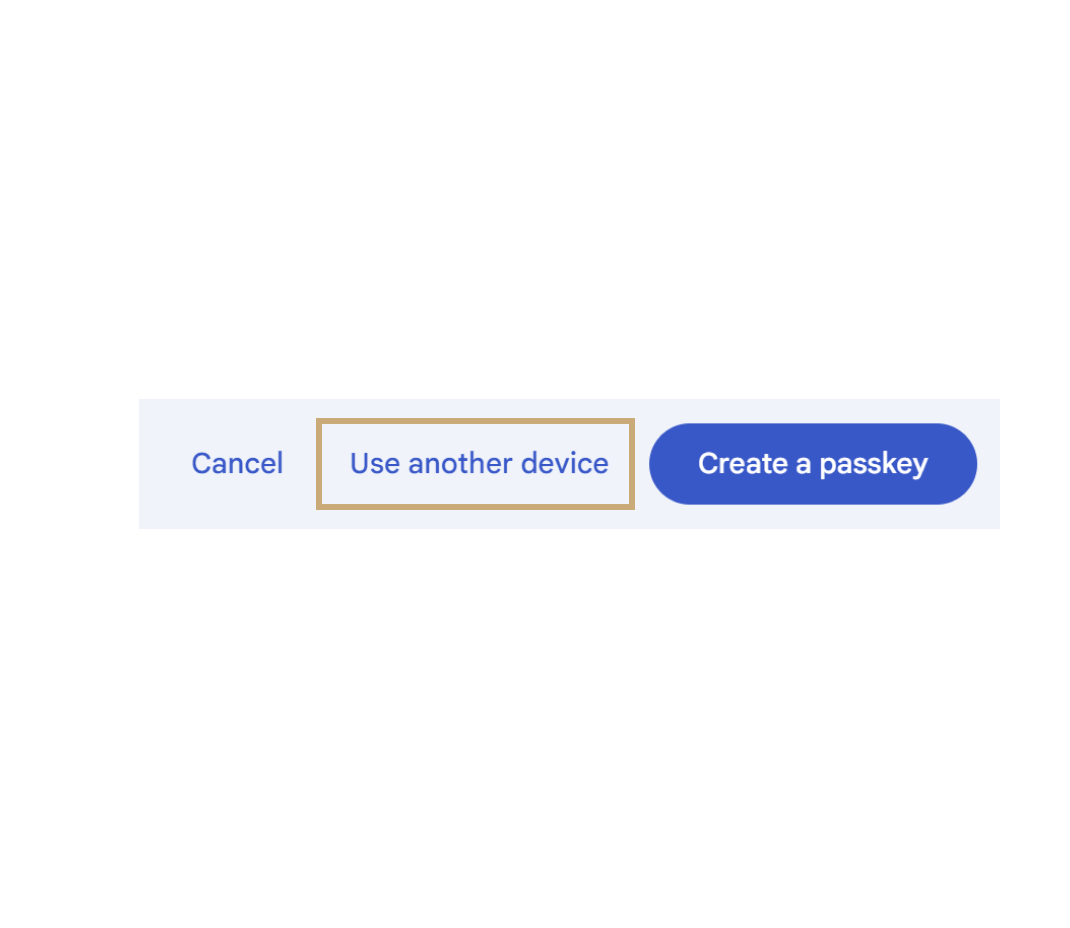
Add OFFPAD / OFFPAD+ as device
Press “Security key”
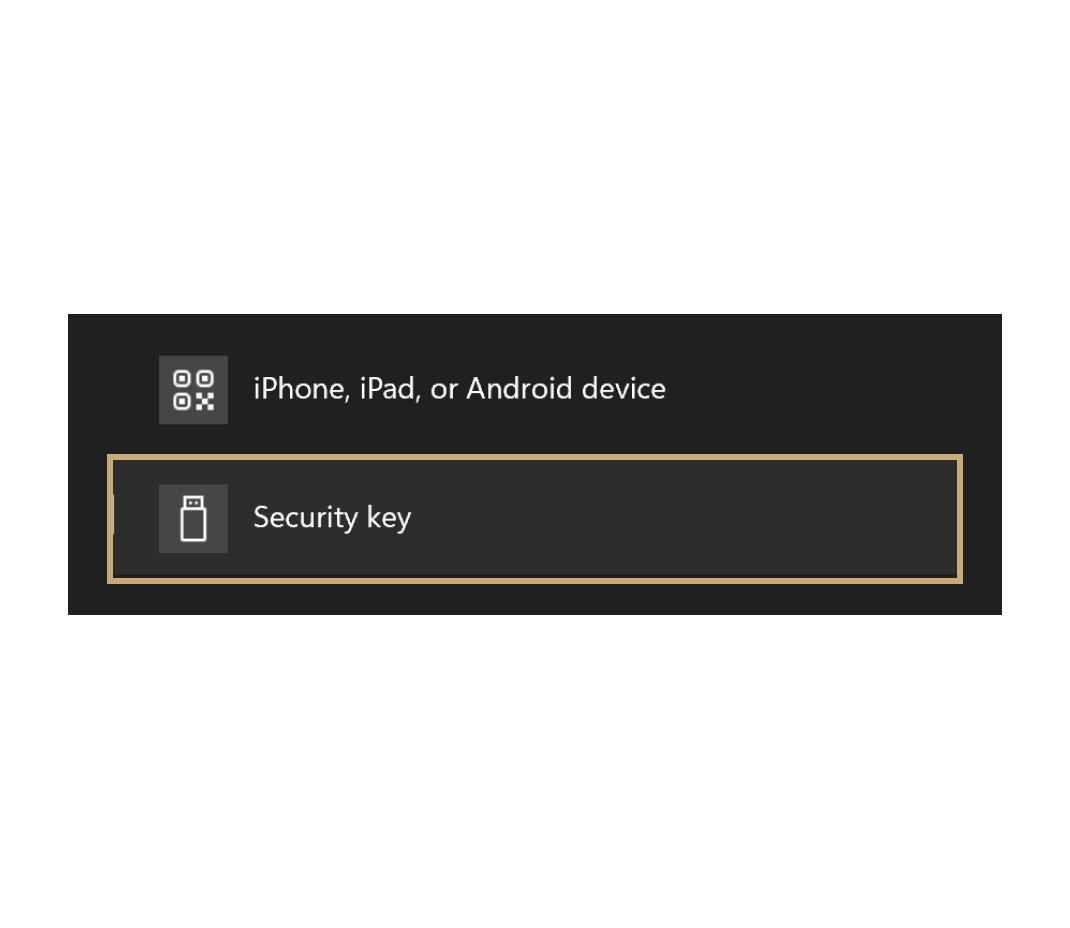
Add OFFPAD / OFFPAD+ as device
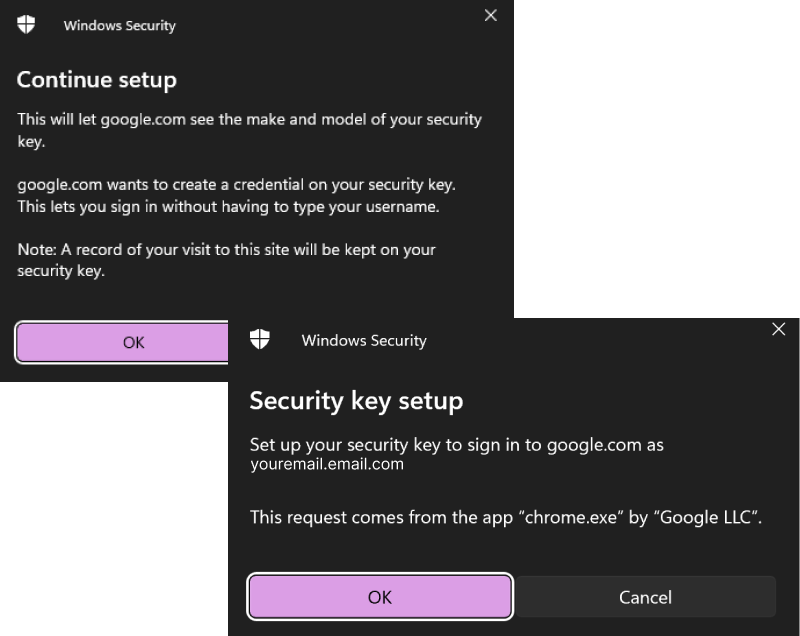
Click OK on the pop-ups
Authenticate with OFFPAD / OFFPAD+
Step 1
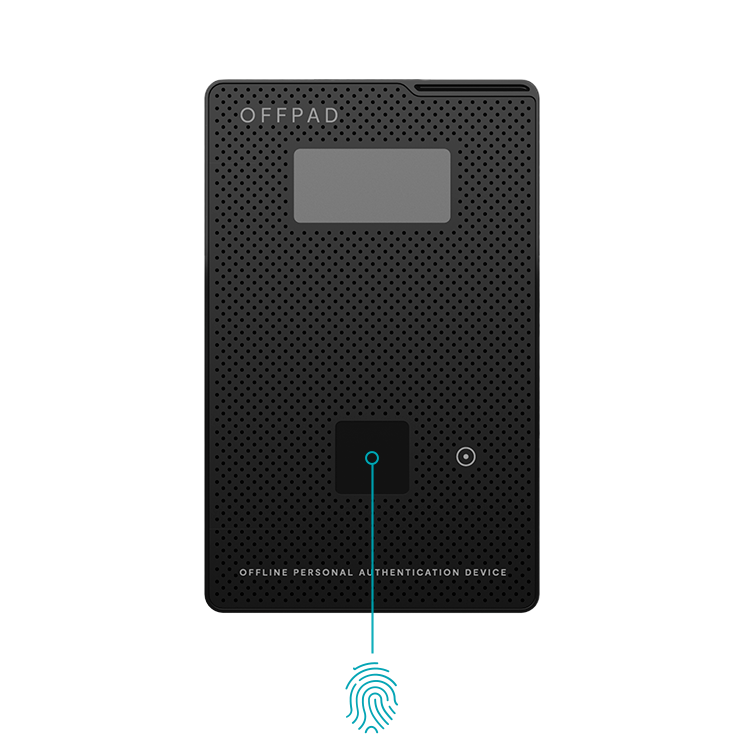
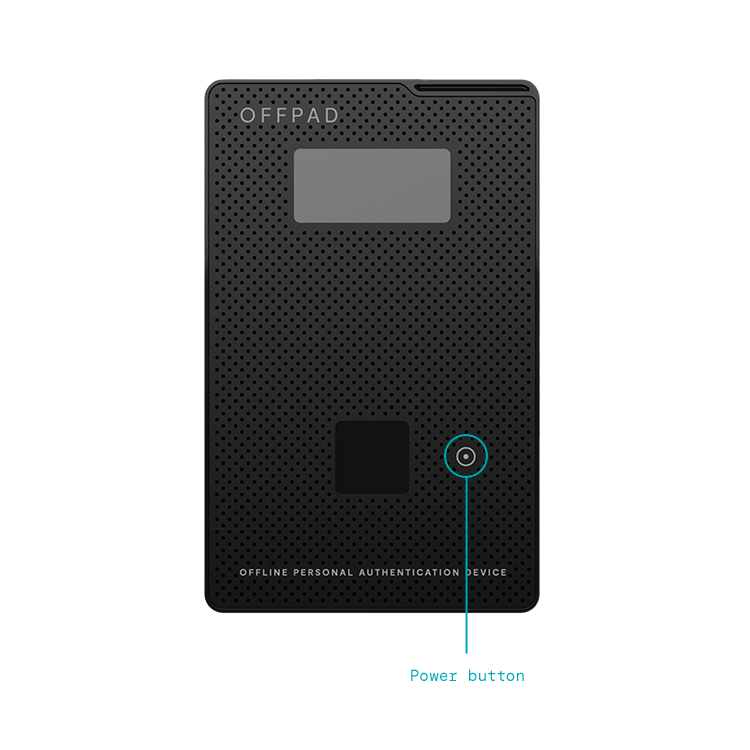
Turn on your OFFPAD or OFFPAD+
Authenticate with OFFPAD / OFFPAD+
STEP 1
Turn on your OFFPAD or OFFPAD+
STEP 2
Use your fingerprint