What you need to connect your
Windows Hello account
FIDO2
FIDO2 needs to be set up in your Active Directory (AD). Your local IT administrator can complete this process by following the instructions provided here.
Intune
You need a machine fully enrolled in a domain with Intune, ask your local IT administrator if you are unsure about this.
Log in to Windows Hello
To add the OFFPAD or OFFPAD+ as a sign-in method, first log into your Windows Hello account.

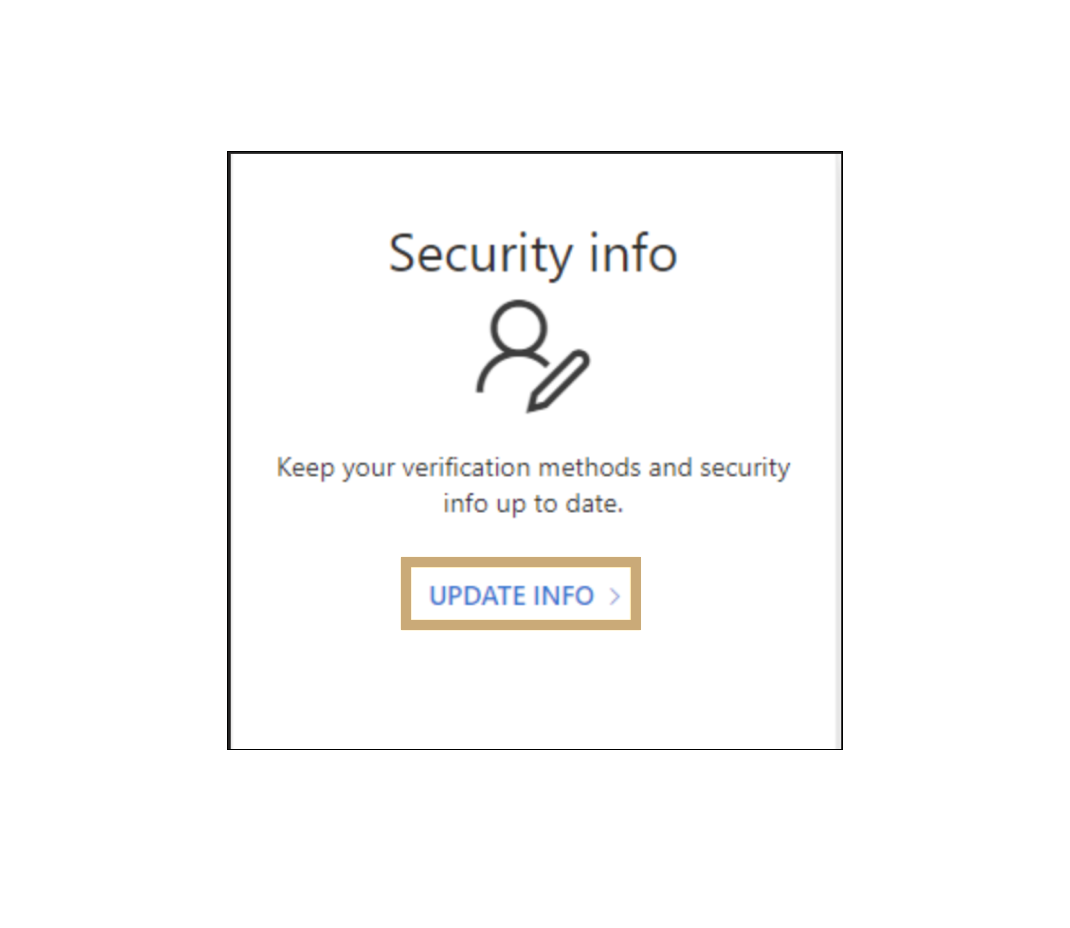
Update Security info
In your Windows Hello account page, go to “Security info” and click “UPDATE INFO” to add your OFFPAD or OFFPAD+ as a new sign-in option.
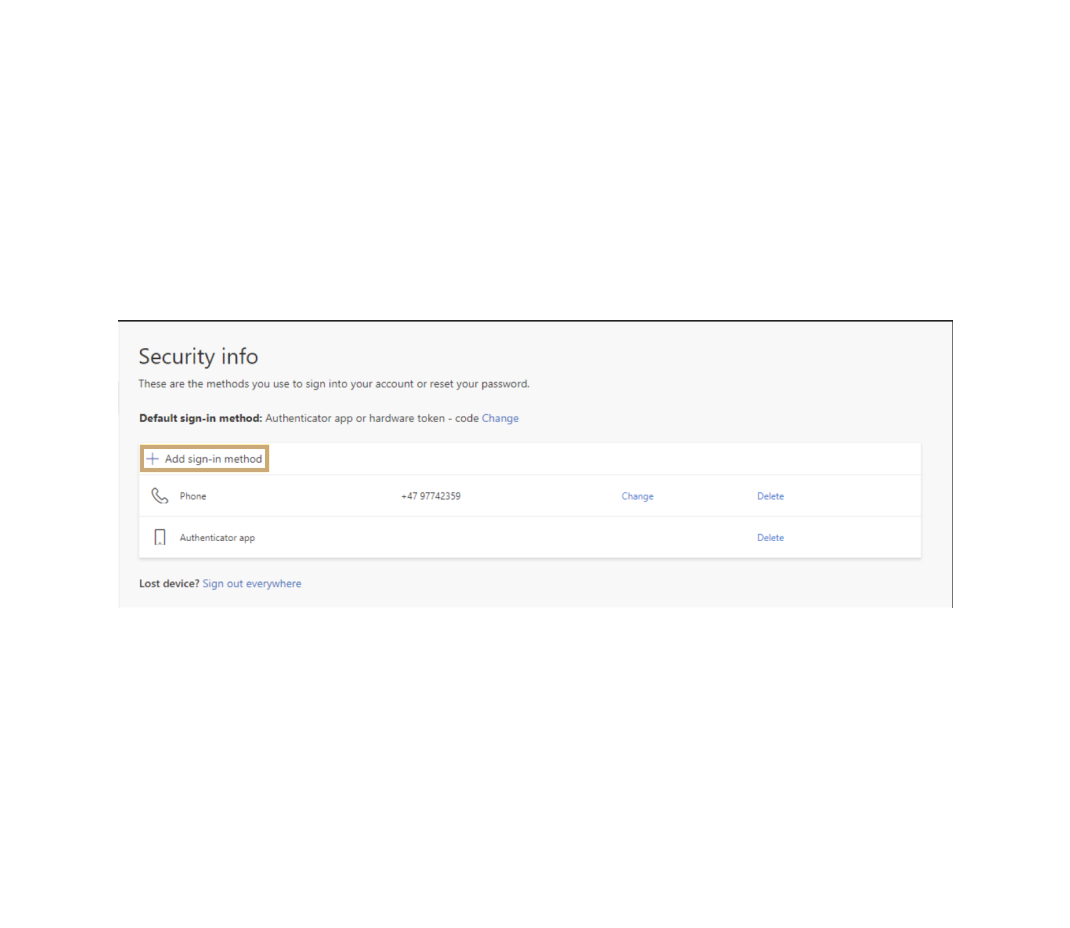
Add new sign-in methods
Click “Add sign-in method”.
Select the correct method
Click “Choose a method” in the drop-down menu and select “Security key”.

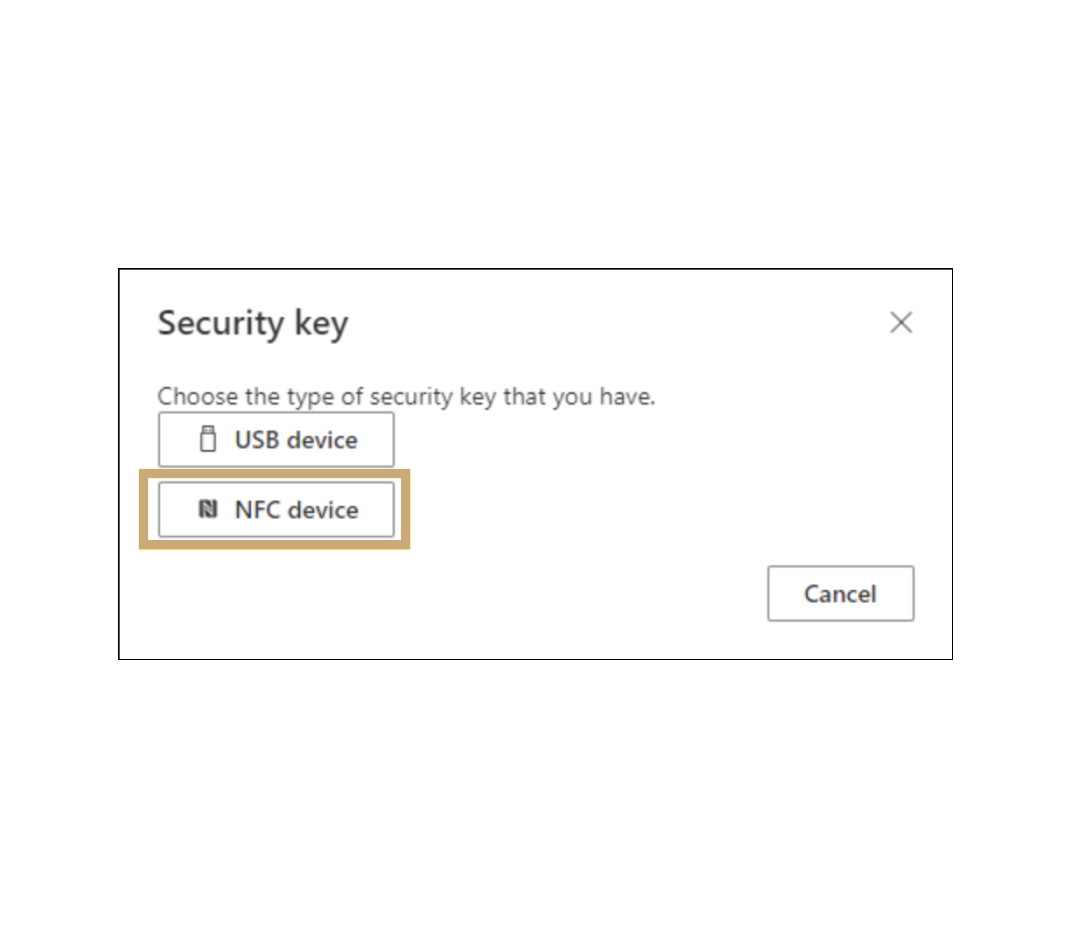
Select type of security key
Select “NFC device” from the list of Security key types.
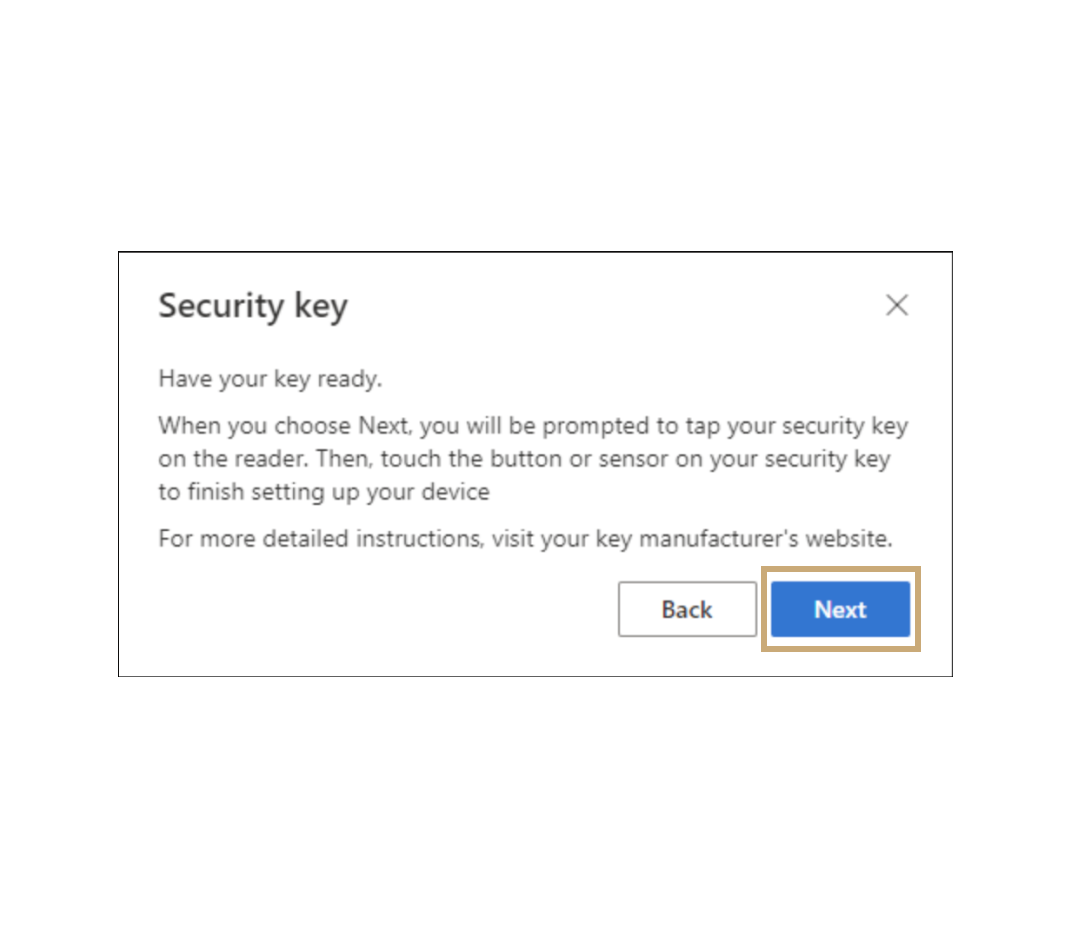
Turn on your OFFPAD / OFFPAD+
Click “Next” .
Create a passkey
Select “External security key or built-in sensor”.

Create a passkey
Click “OK” in the next two windows. You will then be prompted to authenticate using your OFFPAD or OFFPAD+.

Name your OFFPAD / OFFPAD+