Usage guide
When you have set up your OFFPAD or OFFPAD+ you can use it with your PC and/or iPhone. Here is a guide that shows you how you use your OFFPAD or OFFPAD+ with your device.

PC

iPhone
When logging in
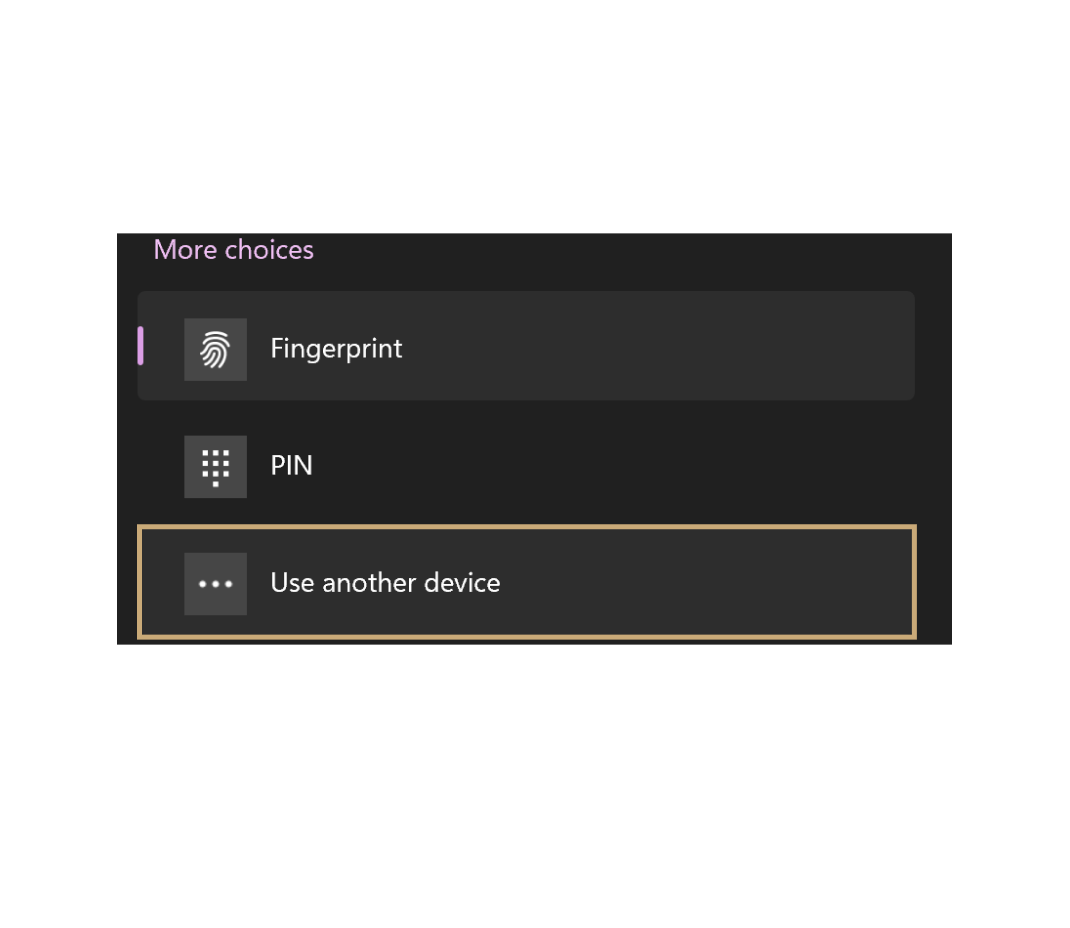
Choose “Use another device”
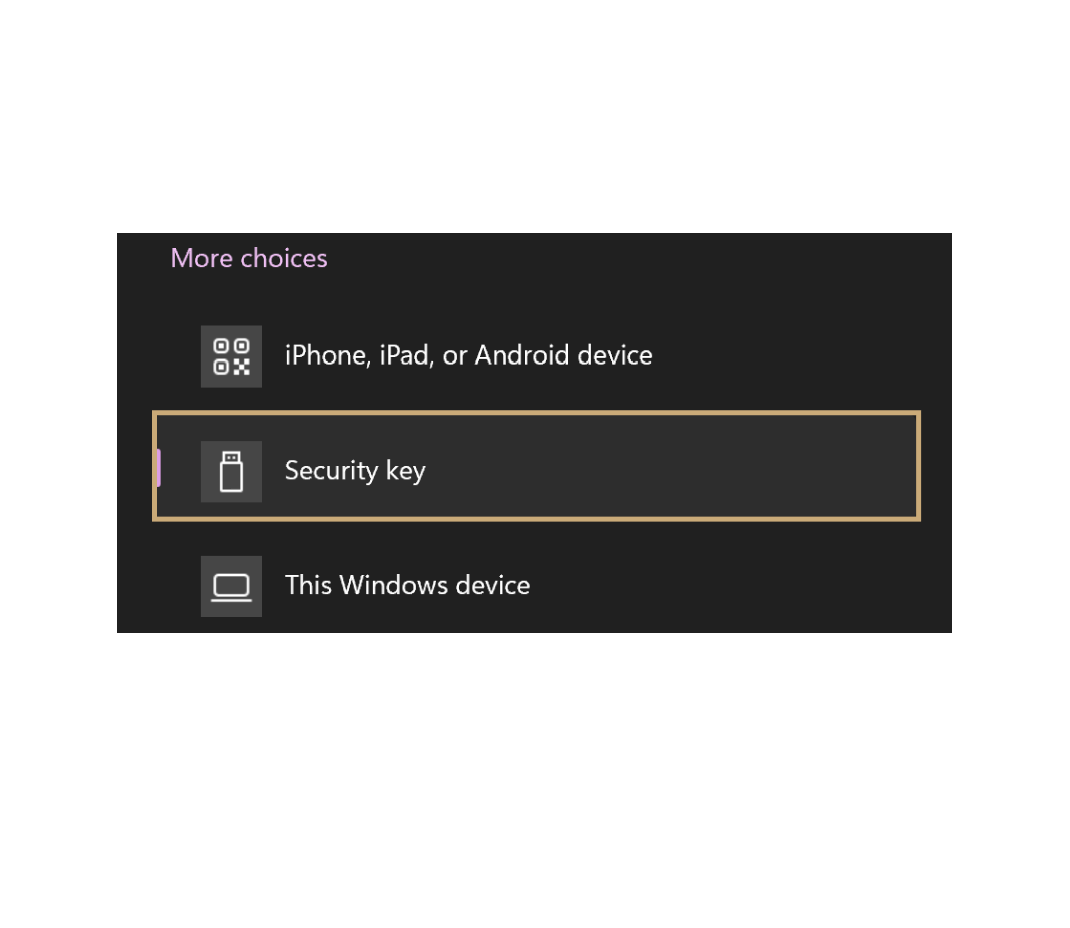
Choose security key
Authenticate with OFFPAD / OFFPAD+
Step 1
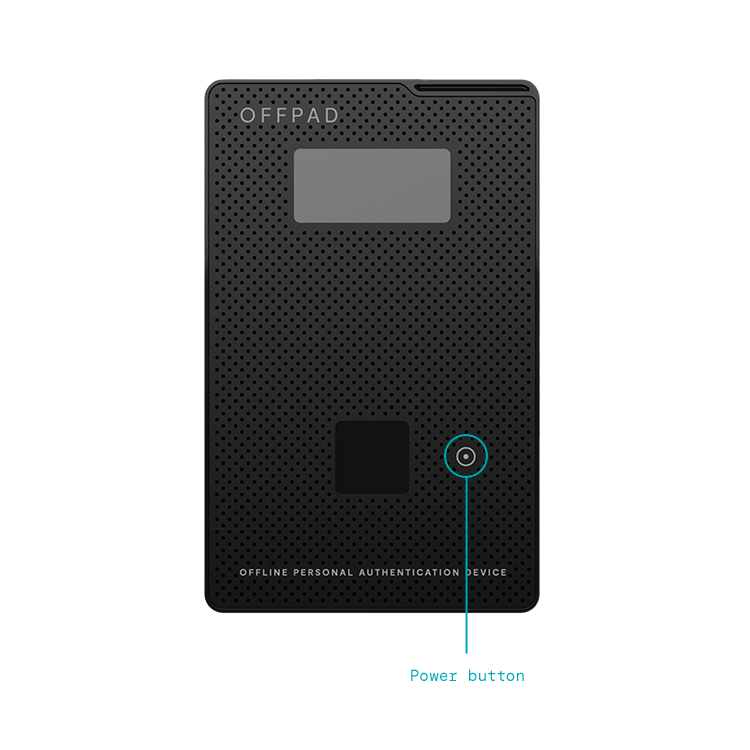
Turn on your OFFPAD or OFFPAD+
Authenticate with OFFPAD / OFFPAD+
Step 1
Turn on your OFFPAD or OFFPAD+
Step 2
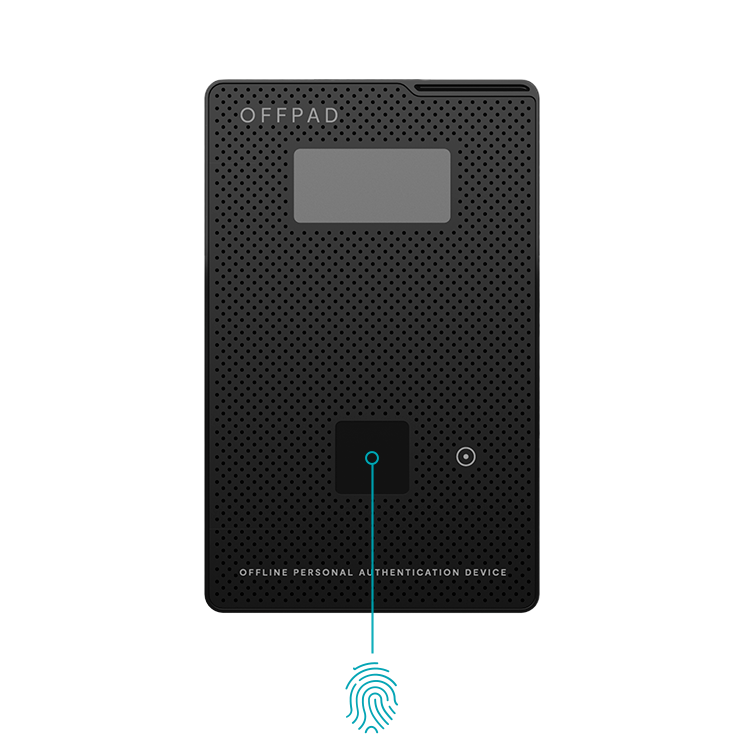
Use your fingerprint
Connect to your iPhone
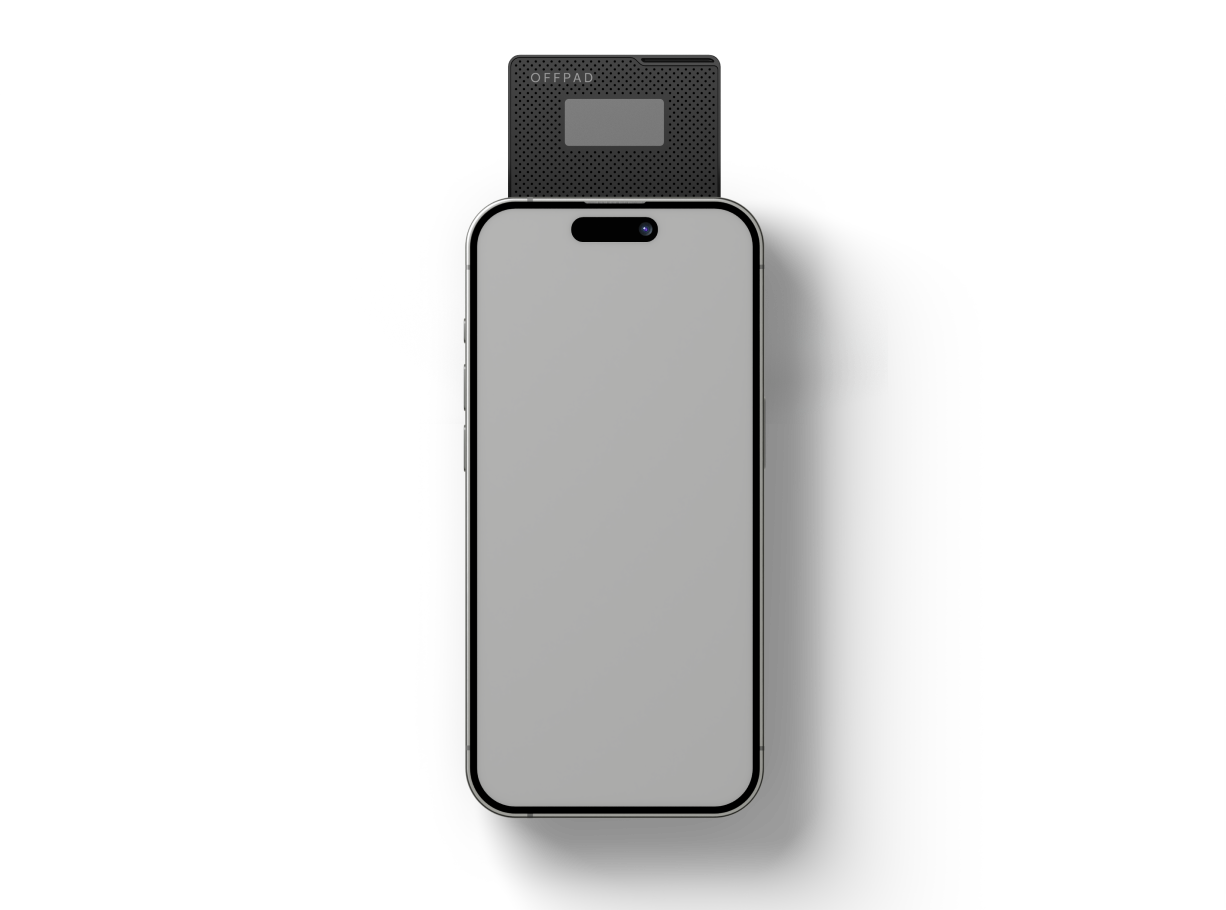
Place the OFFPAD or OFFPAD+ on the back of your iPhone with the screen facing you, as shown in the illustration.
*Note! OFFPAD / OFFPAD+ should be turned OFF when used with an iPhone.
When logging in
Choose “Other Sign-in options”
A PIN will show up on your OFFPAD / OFFPAD+.
Enter the PIN on your iPhone.